Eye Strain From Screens: What to Fix and Buy (2026)
Affiliate disclosure: As an Amazon Associate I earn from qualifying purchases. MedHelperPro may earn a commission from eligible purchases made through links in this guide, at no extra cost to you. Affiliate availability does not affect our selections. Read the full disclosure.
Research note: Product selections are based on published specifications, policies, and independent evidence unless a guide explicitly describes hands-on testing.
Fix reflections, text size, and room contrast before buying glasses.
Start with free changes: move direct light off the display, make text comfortably readable, match screen brightness to the room, and take regular distance breaks. Buy a lamp only for a lighting problem you can name. Blue-light glasses are optional because the best current review does not show dependable short-term relief from computer eye strain.
Eye strain from screens is rarely solved by one accessory. Reflections, a bright display in a dark room, small text, long near-focus sessions, dry airflow, and an outdated prescription can produce similar discomfort. A product helps only when it matches the cause you can change.
Start with the desk, not the cart. Run a glare check, correct the display and room, build in breaks, then choose lighting. The separate blue-light glasses guide covers specific lens tints and prescription options after those basics are in place.
What should you fix or buy first?
Most readers should spend nothing at first. OSHA recommends controlling reflections, placing task lighting so it does not shine on the display, and adjusting brightness and contrast for comfort. Products enter the plan only when the free setup still leaves a specific problem.
| Option | Best for | Price tier | Main tradeoff | Who should skip it |
|---|---|---|---|---|
| Free setup reset | Glare, tiny text, poor screen distance, and a bright screen in a dark room | Free | Requires changing habits or desk position | No one should skip the check |
| BenQ ScreenBar ProCheck price on Amazon | A crowded desk that needs light on notes and the keyboard | Premium | Monitor, webcam, power, and clamp fit must work | Laptop-only users and buyers who need room-wide light |
| IKEA TERTIAL | A budget task light with a replaceable bulb | Budget | No built-in dimming or color controls; bulb quality is separate | Desks that cannot accept its clamp |
| BenQ e-Reading Desk Lamp | Large desks that mix paper, drawing, and screen work | Premium | Heavy base, wide head, and one-year lighting warranty | Small desks and buyers who only need a narrow pool of light |
| Clear blue-light glassesCheck price on Amazon | Prescription flexibility or an optional clear lens | Value to premium | Evidence does not show reliable short-term eye-strain relief | Anyone expecting a treatment or guaranteed result |
| Amber computer glassesCheck price on Amazon | Optional evening use when color accuracy does not matter | Midrange | Visible color shift | Designers, photographers, and daytime color-critical work |
This is not a single ranking because the products solve different problems. A light bar saves desk space. A conventional task lamp handles paper and off-screen work. Glasses change the light reaching the eyes but do not remove a window reflection or make six-point text readable.
How were these recommendations selected?
Selection started with problem fit, beam control, compatibility, and ownership risk. Manufacturer pages and manuals supplied dimensions, published light output, power, fit, warranty, and return terms. OSHA and the AOA informed the setup advice. Current research was used to limit claims about breaks and blue-light lenses.
We also checked independent evaluations for practical drawbacks. Digital Camera World found the ScreenBar Pro's coverage and mount convincing but disliked its touch controls. Tom's Guide favored the BenQ e-Reading lamp for its broad coverage and adjustments, while noting that the wide head can obstruct a small desk. Those are useful cross-checks, not MedHelperPro test results.
- Problem match: The product must address glare, room contrast, paper lighting, or an intentional lens preference.
- Control: A useful lamp directs light away from the display and lets the buyer reduce brightness when the room changes.
- Fit: Clamp range, monitor shape, webcam position, desk depth, and power are buying criteria, not setup details to solve later.
- Claim quality: A general "flicker-free" or "eye-care" label was not treated as an independent measurement. IEC 62471-7:2023 covers photobiological safety assessment for visible-light luminaires, but a standards reference is not proof that a lamp will feel comfortable in every setup.
- Exit cost: Return windows and warranty length matter because comfort and reflections must be checked in the buyer's room.
Does the 20-20-20 rule actually work?
The 20-20-20 rule is a reasonable break cue, but its exact numbers are not a proven treatment formula. The AOA recommends looking 20 feet away for 20 seconds every 20 minutes. Research on the literal schedule is small and mixed, so it should sit beside better lighting and readable text, not replace them.
A 2023 study of 29 symptomatic computer users found that two weeks of reminder software increased break frequency and reduced reported digital eye-strain and dry-eye symptoms. The improvement was not maintained one week after reminders stopped, and the study found no meaningful change in tear-film or ocular-surface signs.
Another 2023 study of 30 young adults compared 20-second breaks during a 40-minute tablet task. Its results did not support scheduled 20-second breaks as a therapeutic intervention. Treat the rule as a reminder, not a cure. Looking away and blinking can interrupt an unbroken near task, but the numbers 20, 20, and 20 are not magic.
- Use a timer only if it helps. A reminder that gets dismissed all day has no value.
- Look at a genuinely distant object, blink several times, and relax the focus rather than checking a phone.
- Pair short eye breaks with normal movement and task changes. A longer pause between work blocks can be more realistic than forcing an interruption during every focused session.
Which free screen changes are worth trying?
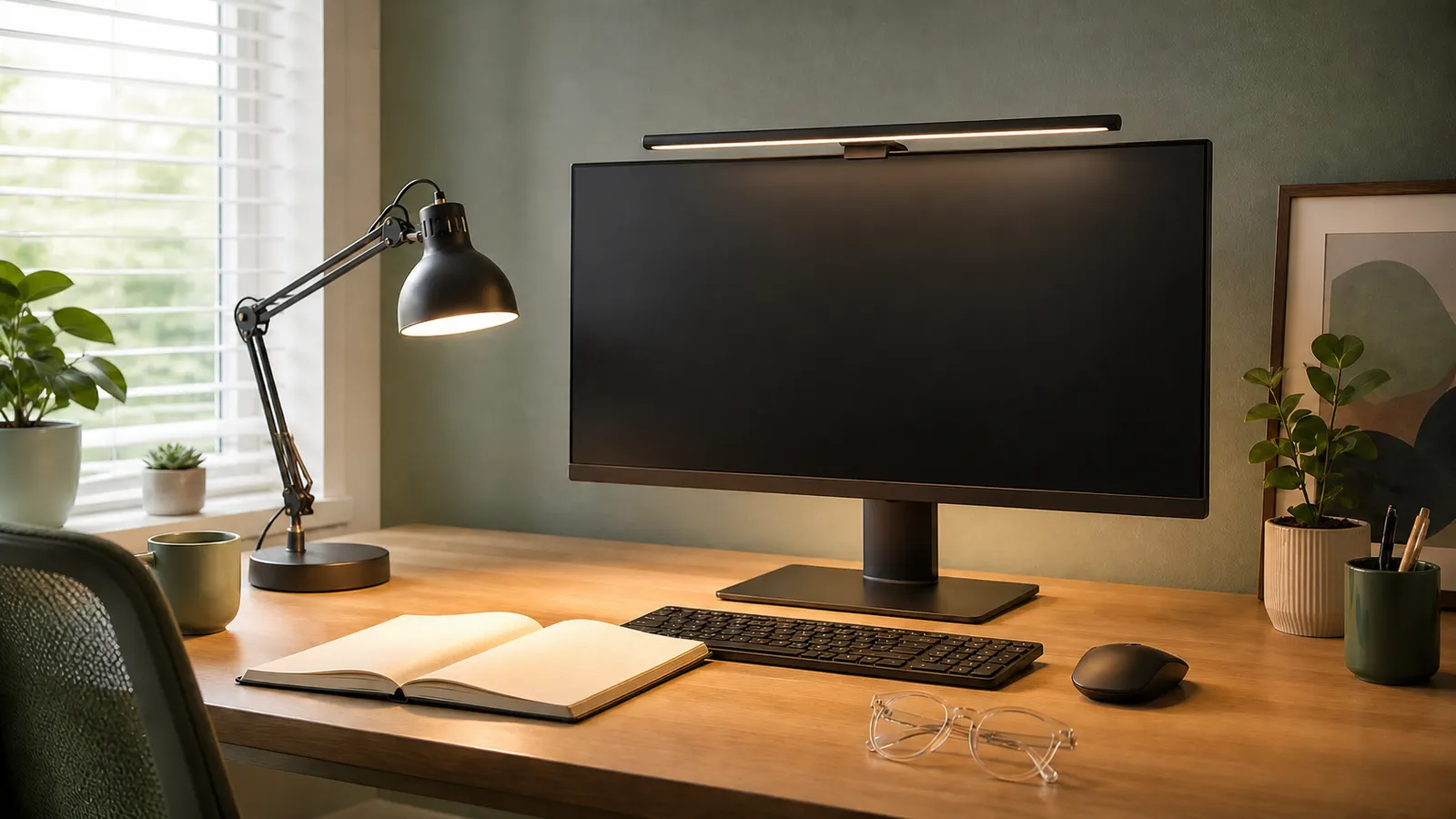
Turn the screen off and inspect it like a dark mirror. If you can see a window, ceiling fixture, or lamp, change that geometry first. OSHA's workstation guidance recommends placing the screen at right angles to windows, using blinds or diffusers, and aiming task lighting away from the display.
Then fix readability. Increase text size before leaning closer. Lower an overly bright display, but do not make it so dim that text loses contrast. OSHA's monitor guidance places the top of the screen at or slightly below eye level and suggests periodic distance focus and blinking. Its checklist uses about 18 to 20 inches, or roughly arm's length, as a general distance rather than a rule for every monitor.
- Clean the display. Dust lowers contrast and makes reflections more obvious.
- Move direct airflow away from the face, especially with contact lenses.
- Use dark text on a light background when reflections make reverse type harder to read.
- Keep the primary monitor in front. A dual-monitor arm can help only after its weight, VESA, and desk fit are confirmed.
- For laptop work, raise the display and use separate input devices. The laptop stand guide explains the portability and fit tradeoffs.
Which desk light makes sense for screen work?
Choose the form factor before the brand. A monitor light bar works when desk space is tight and the main task stays near the keyboard. A task lamp is more flexible for notebooks, crafts, or a desk shared with paper. Neither one can compensate for a bright window reflected in the panel.
The dedicated desk lamp comparison covers five current options by glare control, brightness, color settings, desk fit, ownership terms, and the strength of their flicker evidence.
BenQ ScreenBar Pro: best light bar for a crowded desk
ScreenBar Pro is the strongest researched fit for a monitor-centered desk with little spare surface area. BenQ lists more than 1,000 lux at the center and an 85 by 50 cm area at 500 lux. Its stated monitor range is 0.43 to 6.5 cm thick, including curved displays from 1000R to 1800R. Those are manufacturer figures, not our measurements.
The bar uses USB-C power and includes a webcam accessory. It also has a presence sensor that can shut the light off after five minutes of absence. Check the top bezel, curve, rear shape, webcam, and available power before ordering. BenQ's current U.S. policy allows direct purchases to be returned within 30 days and gives lighting products a one-year warranty. That warranty is short enough to weigh against the premium tier.
IKEA TERTIAL: best budget lamp for a replaceable bulb
TERTIAL is the plain, bulb-replaceable choice. Its arm and head adjust, the clamp fits desk edges up to 2.25 inches, and the fixture accepts an E26 bulb up to 13 watts. That lets the owner choose the bulb, but it also means brightness, color, dimming behavior, and flicker depend on a separate purchase.
Skip it if the desk cannot accept a clamp or if built-in dimming matters. IKEA's current U.S. policy allows open products to be returned within 180 days with proof of purchase, but the product page does not list a lamp-specific warranty. Keep the receipt and test the chosen bulb at every dimmer setting, if a compatible dimmer is involved.
BenQ e-Reading Desk Lamp: best broad light for paper and screens
The e-Reading lamp suits a large desk where screen work shares space with papers, drawing, or study materials. BenQ publishes a 90 cm-wide area at 500 lux, center illuminance of 1,600 lux at a 45 cm height, 13 color-temperature settings, and 23 brightness levels. Its 4.8 kg weight and 59 by 22 cm footprint favor a permanent setup.
The independent Tom's Guide evaluation praised the broad spread and controls, then called out the wide head as a possible obstruction on a small desk. The same 30-day direct return and one-year lighting warranty apply. Skip it when a basic directional lamp already lights the paper without reflecting on the display.
Are blue-light glasses worth buying for eye strain?
Blue-light glasses are not a dependable first-line purchase for computer eye strain. A 2023 Cochrane review of 17 randomized trials found that blue-light filtering lenses may not reduce short-term computer eye-strain symptoms compared with nonfiltering lenses. Sleep findings were mixed and uncertain.
A clear option can still make sense when it is bundled with a needed prescription, a comfortable frame, or an anti-reflective treatment the buyer prefers. Zenni Blokz Core is the value route in our current comparison because it offers broad prescription formats. Zenni's current policy gives 14 days for a refund to the original payment method or 30 days for store credit, subject to its terms.
GUNNAR Intercept Amber is the more deliberate evening option. GUNNAR says the Amber lens blocks 65 percent at 450 nm, but that is a wavelength-specific manufacturer claim, not a directly comparable category score. The visible tint changes whites and colors. Read the full blue-light glasses comparison before choosing a lens, and skip all of them if the goal is to fix glare from a window.
What should you check before buying?
Map the problem at the time it occurs. A desk can be comfortable in the morning and reflective at 4 p.m. Check the dark screen at three points in the day. Write down the source of each reflection, the task that feels difficult, and whether the problem affects the screen, paper, or both.
| Check | Why it matters | What to record |
|---|---|---|
| Monitor and webcam | A light bar can conflict with a thick, curved, or crowded top edge | Thickness, curve, rear shape, webcam position, available USB-C power |
| Desk and lamp | A base consumes surface area; a clamp needs a compatible edge | Clear depth, edge thickness, wall gap, cable route |
| Light direction | A bright lamp can create the reflection it was meant to solve | Screen-off reflection at the problem time of day |
| Controls | Useful low settings matter as much as maximum output | Brightness range, color settings, control access, memory behavior |
| Ownership | Integrated LEDs and short warranties change replacement cost | Bulb replacement, warranty, return window, return shipping, packaging rules |
Use the return window as a controlled comparison. Change one variable, then repeat the same task at the same time of day. Keep screen brightness and text size steady. Note reflections, squinting, dryness, color shift, and any pressure from glasses. A product that adds setup friction or sits unused has failed, even if its specification sheet is impressive.
Who should skip each option?
- Skip a light bar if the work is mostly on paper away from the monitor, the laptop lid cannot hold the clamp, or the webcam and top bezel are already crowded.
- Skip a large desk lamp if the desk is shallow, a smaller adjustable lamp already controls paper lighting, or the base blocks the keyboard and mouse reach zone.
- Skip a budget fixture if you need verified dimming behavior, published flicker data, or color-temperature controls and cannot evaluate the separate bulb.
- Skip clear blue-light glasses if the only reason to buy is a promise of guaranteed eye-strain relief.
- Skip amber lenses during photo, video, design, shopping, or any other color-sensitive work.
For the rest of the workstation, the ergonomic workspace buying order connects screen position with chair, desk, and input reach. Lighting should make the screen easier to see without pulling the head or torso into a worse position.
What are the limits of this guide?
This is a researched guide, not a clinical evaluation or hands-on lamp test. MedHelperPro did not measure illuminance, flicker, spectral output, reflections, or long-session comfort. Manufacturer figures remain labeled as such, and independent observations are attributed to their publishers.
The calendar proposed measuring lamp flicker and lux with a light meter. That test was omitted because the repository contains no lamp samples, calibrated meter, room protocol, raw waveforms, dated measurements, photos, or testing log. We did not convert marketing claims into test results.
Persistent discomfort deserves an eye examination, especially when setup changes do not help or vision has changed. A lamp or pair of glasses cannot correct an unrecognized prescription problem, diagnose dry eye, or replace professional care.
Frequently asked questions
How often should I follow the 20-20-20 rule?
Use every 20 minutes as a practical cue, not a clinical threshold. The exact schedule has limited evidence. Regular distance focus, blinking, and normal task changes matter more than hitting the timer perfectly.
Is a monitor light bar better than a desk lamp?
A light bar is better for a tight, monitor-centered desk. A desk lamp is better when paper, drawing, or off-screen tasks need a wider or movable beam. Check reflections and fit in either case.
How bright should a desk lamp be for computer work?
There is no universal brightness that fits every room and task. Use enough light to read paper without creating a bright patch on the display. Adjustable low settings are useful when the room gets darker.
Do blue-light glasses protect eyes from screen damage?
The American Academy of Ophthalmology says there is no scientific evidence that computer-screen light damages the eyes and does not recommend special eyewear for computer use. The Cochrane review also found no dependable short-term eye-strain benefit. Buy for prescription, fit, tint, or personal preference, not protection promises.
Sources and further reading
Before you buy: Confirm current price, dimensions, fit, power requirements, warranty, and return terms on the seller's site. Keep the packaging until the product has worked through the lighting conditions that normally cause trouble.